
Why video transcription matters
Video holds meetings, webinars, tutorials, and interviews — but scrubbing a timeline is slow. Video transcription lets you search dialogue, pull quotes, draft summaries, and share decisions without rewatching every minute.
- Index spoken content for SEO and internal search
- Support accessibility reviews with a text record
- Feed AI insight templates for highlights and actions
How video transcription works with StrikeScribe
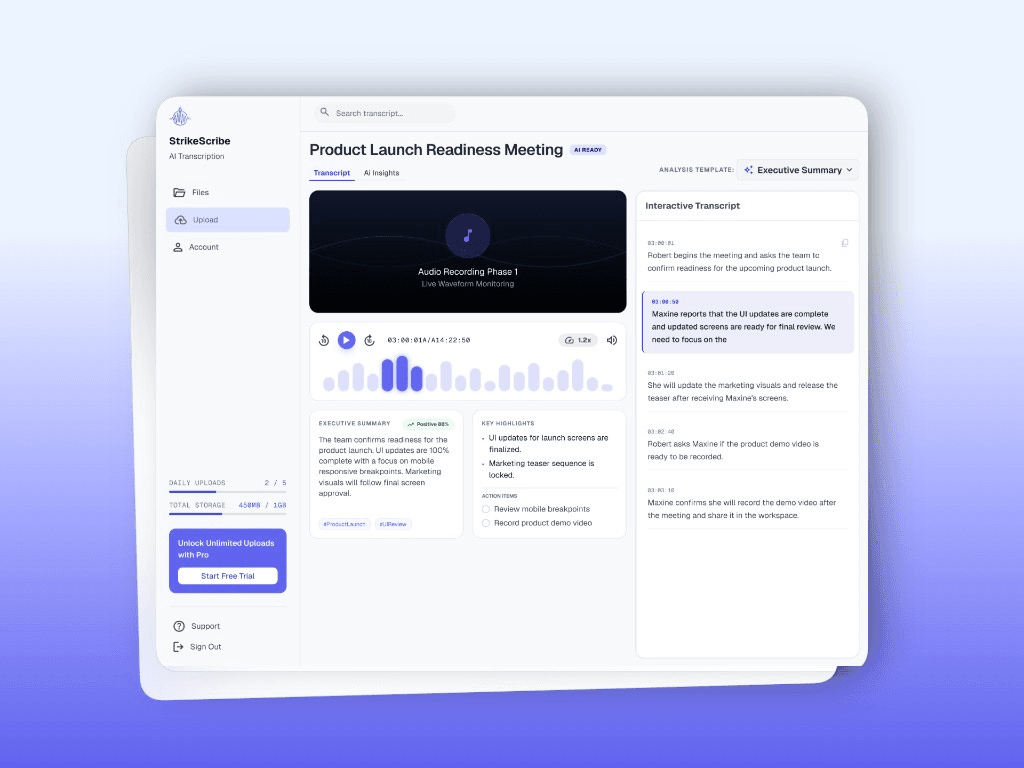
Upload a video file — or try one free through guest mode — and StrikeScribe extracts the audio track and runs transcript AI across 100+ languages, labeling speakers when the recording supports it. Most files return a searchable video transcript in minutes. Review the text in your workspace, then run an AI insight template for a summary, highlights, or action items before you share it.
- Speaker labels for multi-person video recordings
- AI summaries and action items generated from the transcript
- Search across saved video transcripts in your workspace
Who uses video transcription
Content and marketing teams turn webinar or customer-interview video into blog posts and quotes. Educators and trainers use a text record to support accessibility reviews of lecture or course video. Researchers and product teams transcribe recorded interviews and usability sessions to search and cite later — all from files they already have, without a live bot joining a call.
Supported video formats
Upload MP4, MOV, or WebM from your browser. If your editor exports a different container, convert or re-export to a supported format first. Audio-only MP3 and WAV uploads are available on the related converter pages.