
Why transcribe Reels
Social teams transcribe Reels to caption videos for silent autoplay, reuse winning scripts on TikTok and Shorts, and pull quotes for posts and newsletters — without rewatching every clip.
StrikeScribe
Paste a Reel link — or a whole list — and get a searchable transcript, AI breakdown, and caption file without downloading anything.
StrikeScribe
Instagram Reel transcript
Let's lock the launch checklist before Friday.
I'll own the follow-ups and share the summary with the team.
Great — capture action items and decisions in one place.
How it works
Tap the share icon on a Reel and choose Copy link.
Open the Links tab in the guest demo and paste one URL per line.
Each Reel becomes a timestamped, searchable transcript in the spoken language.
Download SRT or VTT captions, or run AI summaries to repurpose the script.
Formats
Upload common audio and video formats from your browser. Clear recordings with minimal background noise produce the best results.
Supported uploads: MP3, WAV, M4A, AAC, OGG, MP4, MOV, and WebM.
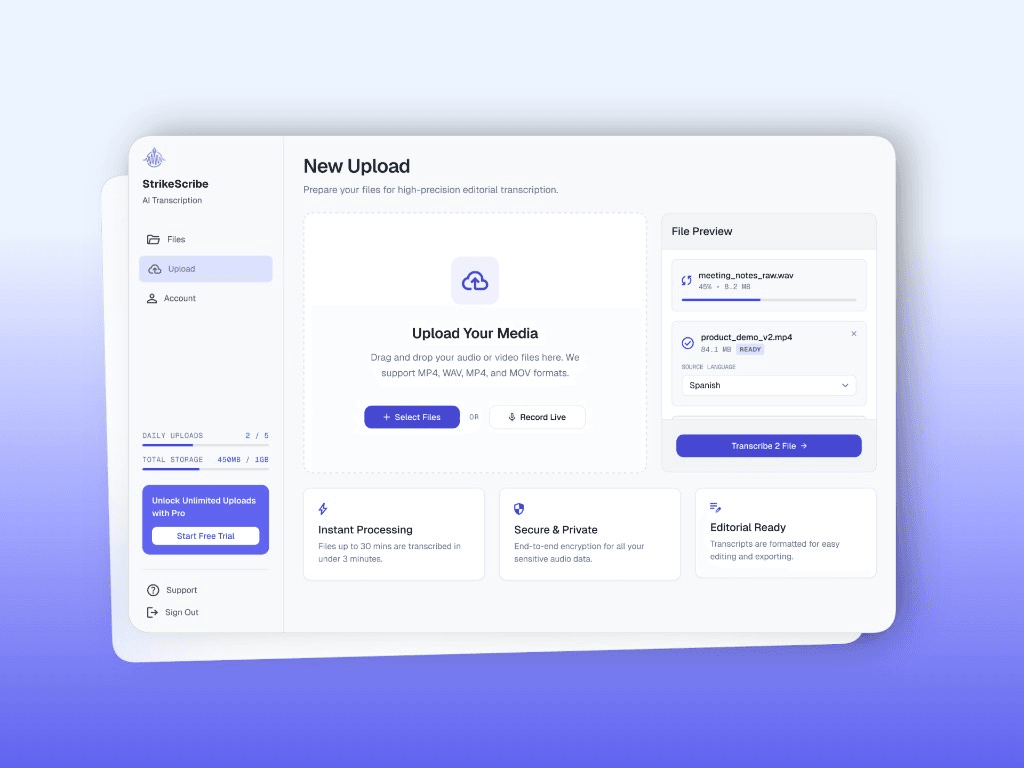
Social teams transcribe Reels to caption videos for silent autoplay, reuse winning scripts on TikTok and Shorts, and pull quotes for posts and newsletters — without rewatching every clip.
FAQ
Upload audio or video in guest mode — free to try with no account. Create a free account when you want to save files and unlock your workspace.