
StrikeScribe

    Audio Translator vs Multilingual Transcription

    Translate spoken content starts with accurate transcription in the spoken language. StrikeScribe supports 100+ languages — it does not machine-translate the transcript into another language yet.

    • 100+ spoken languages for transcription
    • Guest upload — free to try with no signup
    • Upload-first — no meeting bot
    • Honest about translation limits

    StrikeScribe

    Multilingual transcript preview

    Processing
    • Speaker 100:12

      Let's lock the launch checklist before Friday.

    • Speaker 200:19

      I'll own the follow-ups and share the summary with the team.

    • Speaker 100:27

      Great — capture action items and decisions in one place.

    How it works

    From recording to searchable notes

    1. 1

      Upload or record

      Open the guest demo — free to try with no signup — then upload an audio or video file, or record live in your browser.

    2. 2

      Run transcript AI

      StrikeScribe converts speech to searchable text across 100+ languages and labels speakers when the recording supports it.

    3. 3

      Review insights

      Search the transcript, run AI insight templates for summaries and action items, then create a free account to save files.

    4. 4

      Share with your team

      Keep work in a workspace with roles for admins, editors, and viewers when you are ready to collaborate.

    Formats

    Built for real files you already have

    Upload common audio and video formats from your browser. Clear recordings with minimal background noise produce the best results.

    Supported uploads: MP3, WAV, M4A, AAC, OGG, MP4, MOV, and WebM.

    • MP3
    • WAV
    • M4A
    • AAC
    • OGG
    • MP4
    • MOV
    • WebM
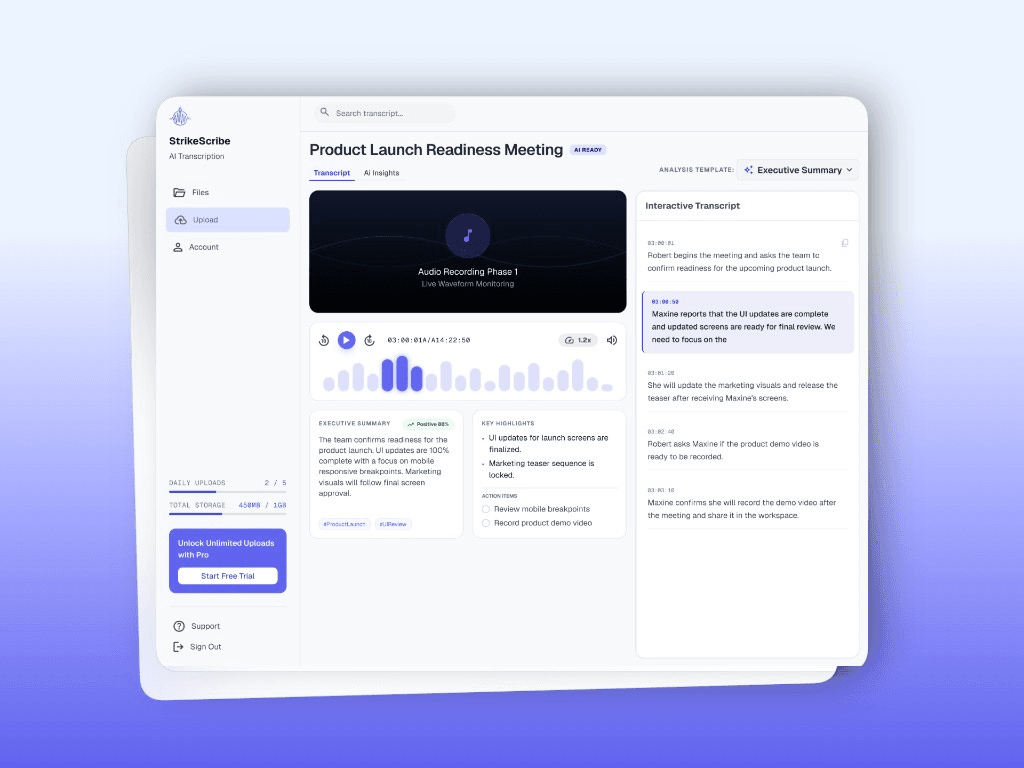
    StrikeScribe searchable multilingual transcript

    Audio translator vs speech-to-text

    Searchers often type “audio translator” when they want either (1) speech in language A written as text in language A, or (2) speech in language A rewritten as text in language B. StrikeScribe today delivers (1) — accurate multilingual transcription. For (2), export the transcript and use a dedicated translation workflow.

    When multilingual transcription is enough

    Teams reviewing calls, interviews, and podcasts in the original language get the most value: searchable archives, quotes, and AI summaries without inventing a translation step the product does not perform.

    FAQ

    Frequently asked questions

    Try transcript AI before you sign up

    Upload audio or video in guest mode — free to try with no account. Create a free account when you want to save files and unlock your workspace.