
StrikeScribe

    Subtitle Generator Workflow

    Generate clear subtitles for any video starts with accurate dialogue text. StrikeScribe gives you the transcript first — timed subtitle file export is not shipped yet.

    • Accurate video and audio transcripts
    • Guest upload — free to try with no signup
    • Searchable text you can reuse for captions
    • Clear about what is not exported yet

    StrikeScribe

    Caption-ready transcript

    Processing
    • Speaker 100:12

      Let's lock the launch checklist before Friday.

    • Speaker 200:19

      I'll own the follow-ups and share the summary with the team.

    • Speaker 100:27

      Great — capture action items and decisions in one place.

    How it works

    From recording to searchable notes

    1. 1

      Upload the video

      Upload MP4, MOV, or WebM (or the audio track) in the guest demo.

    2. 2

      Get the transcript

      Review searchable text with speakers and timing cues in the workspace player.

    3. 3

      Edit for readability

      Clean names, terms, and punctuation so caption lines stay accurate.

    4. 4

      Create captions externally

      Until SRT/VTT export ships, paste or adapt the transcript in your editor or caption tool.

    Formats

    Built for real files you already have

    Upload common audio and video formats from your browser. Clear recordings with minimal background noise produce the best results.

    Supported uploads: MP3, WAV, M4A, AAC, OGG, MP4, MOV, and WebM.

    • MP3
    • WAV
    • M4A
    • AAC
    • OGG
    • MP4
    • MOV
    • WebM
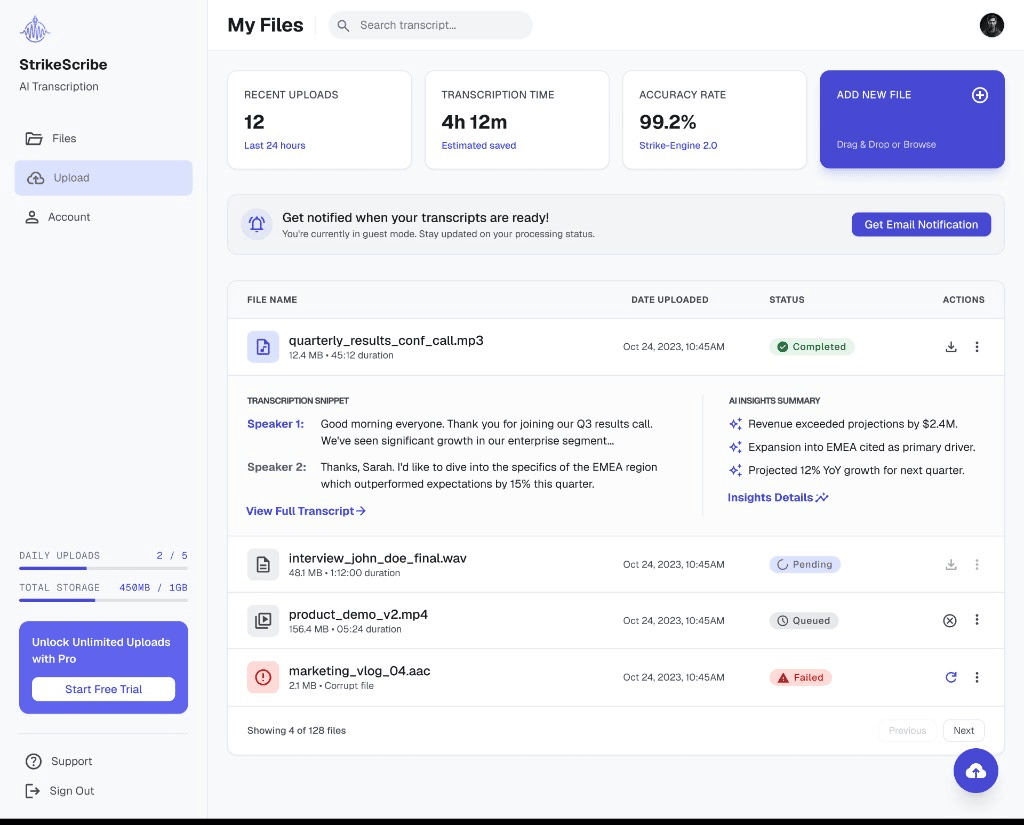
    StrikeScribe workspace with media and transcript

    Why transcript-first still helps creators

    Accurate dialogue is the hard part of subtitles. Getting a clean transcript before you time captions reduces rework in Premiere, CapCut, or YouTube Studio — even when the export format is produced elsewhere.

    What we will not claim

    We will not advertise auto-generated SRT downloads, burned-in captions, or one-click YouTube caption upload until those features ship. This page ranks for subtitle intent while keeping product trust intact.

    FAQ

    Frequently asked questions

    Try transcript AI before you sign up

    Upload audio or video in guest mode — free to try with no account. Create a free account when you want to save files and unlock your workspace.