
StrikeScribe

    YouTube Video to Text (Upload Workflow)

    Turn YouTube videos into searchable text in seconds after you download or export a file you own — then upload it to StrikeScribe.

    • Guest upload — free to try with no signup
    • Upload-first workflow — no meeting bot
    • 100+ languages with searchable transcripts
    • AI summaries, actions, and scorecards

    StrikeScribe

    YouTube export transcript

    Processing
    • Speaker 100:12

      Let's lock the launch checklist before Friday.

    • Speaker 200:19

      I'll own the follow-ups and share the summary with the team.

    • Speaker 100:27

      Great — capture action items and decisions in one place.

    How it works

    From recording to searchable notes

    1. 1

      Export a file you own

      Download or export the video or audio for content you have rights to — StrikeScribe does not import YouTube URLs directly.

    2. 2

      Upload to StrikeScribe

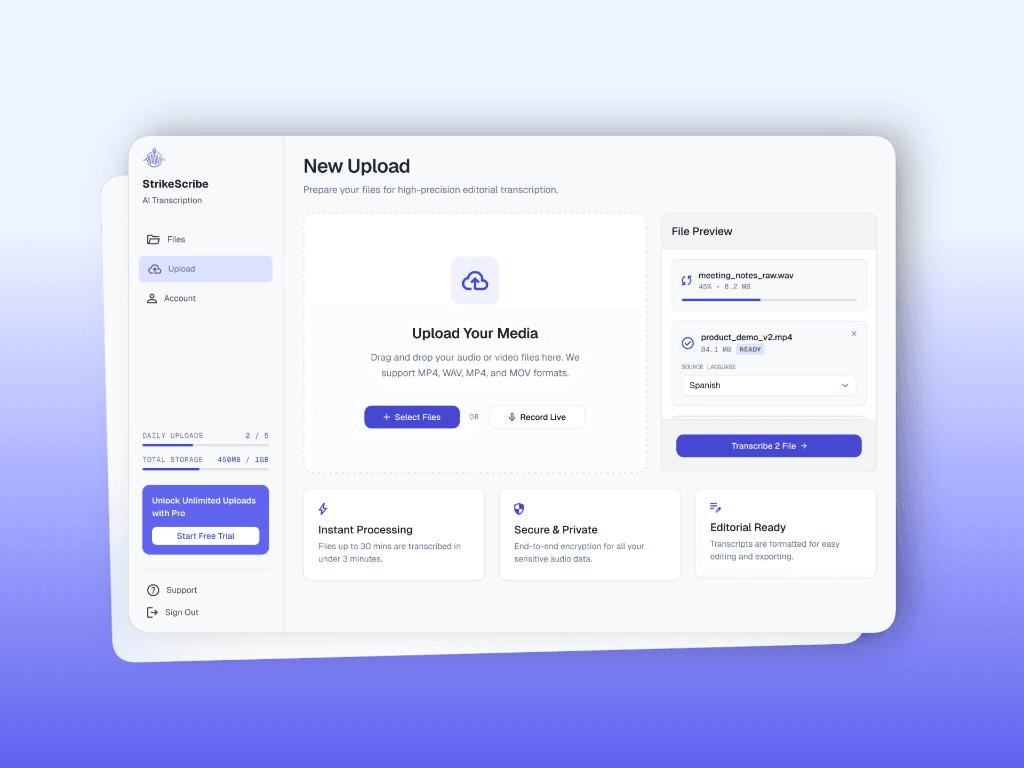
      Open the guest demo and upload MP4, MOV, WebM, MP3, or another supported format.

    3. 3

      Get searchable text

      Review the transcript, run AI summaries, and save the file when you create a free account.

    4. 4

      Reuse the content

      Copy quotes, draft show notes, or share insights with collaborators in a workspace.

    Formats

    Built for real files you already have

    Upload common audio and video formats from your browser. Clear recordings with minimal background noise produce the best results.

    Supported uploads: MP3, WAV, M4A, AAC, OGG, MP4, MOV, and WebM.

    • MP3
    • WAV
    • M4A
    • AAC
    • OGG
    • MP4
    • MOV
    • WebM
    StrikeScribe upload workflow for video files

    An honest YouTube-to-text workflow

    Many converters advertise “paste a YouTube link.” StrikeScribe stays upload-first: you control the file, the consent, and the rights. That fits creators, educators, and teams who already have exports — not automated scraping of third-party videos.

    What you get after upload

    A searchable transcript, optional AI summaries and highlights, and workspace storage once you create a free account. Caption file export (SRT/VTT) is not available yet — see the subtitle generator page for the current workflow.

    FAQ

    Frequently asked questions

    Try transcript AI before you sign up

    Upload audio or video in guest mode — free to try with no account. Create a free account when you want to save files and unlock your workspace.